
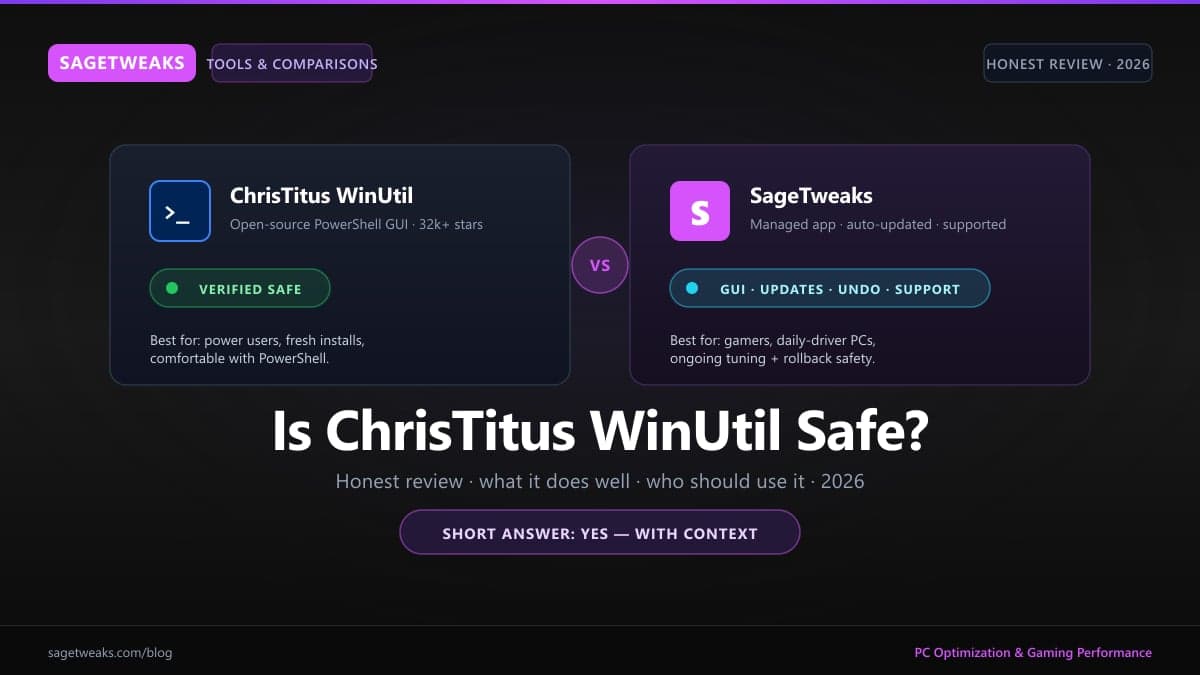
Is ChrisTitusTech WinUtil Safe? An Honest Review (2026)

Short answer: yes, ChrisTitusTech WinUtil is safe — it's a popular open-source PowerShell utility with public source code, an active maintainer, and tens of thousands of users running it in production. WinUtil is excellent at one-shot fresh-install setup; SageTweaks complements it for ongoing tuning with automatic updates, per-workflow profiles, and one-click rollback. This post covers both honestly so you can pick the right tool for the job.
Tested on Windows 11 24H2 (Build 26100) with WinUtil (latest from
christitustech/winutilas of May 2026). Last verified May 2026.
What WinUtil Actually Is
WinUtil (full name: ChrisTitusTech/winutil) is a PowerShell-based GUI launcher that bundles three things:
- Install — a one-click app installer powered by
winget(apps like Brave, VLC, 7-Zip, Discord) - Tweaks — toggle scripts that modify registry, services, scheduled tasks, and Windows features (debloat, telemetry, performance presets)
- Config — Windows Features and shell settings (enable Hyper-V, disable visual effects, etc.)
It runs from a single command: irm "https://christitus.com/win" | iex. That fetches the script and pipes it to PowerShell. The GUI loads, you tick boxes, you click apply. Source lives on GitHub at christitustech/winutil with ~32k stars and consistent maintenance.
Is It Safe? Yes — Here's Why
The "safe or not?" question almost always comes down to: can I trust what this script does to my PC?
Source is open and actively reviewed. Every change is in the public commit history. Tens of thousands of users run it; bugs and bad changes get caught quickly.
Operations are reversible-ish. Most tweaks are registry modifications. Most can be undone — but not always cleanly, which we'll get to.
winget does the installs. App installation goes through Microsoft's official package manager, not random downloads. That part is genuinely solid.
Author has reputation skin in the game. Chris Titus runs a public YouTube channel and a paid membership community. A malicious commit would end his project.
What "safe" doesn't mean: the tool can't break your install. It absolutely can if you tick the wrong boxes. We'll get to that.
How to Use WinUtil Safely
Three rules that matter:
Take a restore point first. Before running ANY system-tweak tool — WinUtil included — open sysdm.cpl → System Protection → Create. WinUtil itself doesn't always create one, and not every tweak is reversible from inside the tool.
Don't blindly apply presets. WinUtil ships preset bundles ("Standard", "Minimal", "Laptop"). Read what each preset does in the side panel before clicking apply. Some include disabling Windows Search, Hyper-V, or scheduled defrag — fine for some users, breaks workflows for others.
Apply incrementally, not all at once. Apply 3–5 tweaks → reboot → use the PC for a day. If something breaks, you know what caused it. Apply 30 tweaks at once and you're spending an afternoon bisecting which one broke OneDrive.
For the actual tweak content (which apps, which services, which registry keys), see our Windows 11 bloatware removal guide.
Where WinUtil Genuinely Shines
Three things WinUtil does better than commercial alternatives:
Free and open-source. Zero cost, full source code, no telemetry on the tool itself. For users on principle, that's the dealbreaker advantage.
Power-user winget workflow. The bulk-install screen is faster than Microsoft's own Store for setting up a fresh install. Tick 20 apps, click apply, walk away.
Transparent diff-able tweaks. Want to know exactly what a toggle does? Read the PowerShell function on GitHub. Nothing is hidden.
If you're comfortable with PowerShell, run a single fresh install per quarter, and don't need ongoing support — WinUtil is the right tool for the job.
Where WinUtil Falls Short for Most Users
Honest gaps:
No undo within the tool for many tweaks. Toggling a service back on doesn't always restore the original startup state, scheduled task, or dependency tree. Edge cases bite.
No automatic updates. Every time you run it, you re-fetch the latest script. If a tweak you applied last month was changed or removed upstream, your PC drifts from current best practice without warning.
No support channel for individual users. Github issues exist. They're community-triaged. If something specific to your hardware breaks, you're on your own — fine for power users, not great if your PC is your work machine.
No per-game or per-workflow profiles. WinUtil applies tweaks globally. There's no "competitive FPS profile vs. streaming profile" — you get one Windows configuration.
Smart Application Control compatibility isn't tracked. On modern Windows 11 24H2, some WinUtil tweaks conflict with SAC and Memory Integrity. Users discover this themselves.
SageTweaks vs WinUtil — What Each Is For
Different tools, different jobs:
| | WinUtil | SageTweaks | |---|---|---| | Cost | Free | Paid (Monthly $5.99 / Yearly $49.99 / Lifetime $79.99) | | Source | Open source (PowerShell) | Closed source, transparency report | | GUI | Functional, dense | Polished, guided | | Undo | Manual / restore point | One-click rollback | | Updates | Re-fetch script each run | Automatic | | Support | GitHub issues, community | Email + dashboard | | Profiles | Single global config | Per-workflow profiles | | Audience | Power users, fresh installs | Gamers, daily-driver PCs |
If you want a one-shot setup tool for a fresh install and you read PowerShell, WinUtil. If you want an installable app that maintains your tuning over time, lets you undo individual changes, and ships with support — SageTweaks.
For the broader question of how SageTweaks compares to other commercial tweakers, see SageTweaks vs Razer Cortex and SageTweaks vs Process Lasso.
Can You Use Both? Yes
There's no conflict between running WinUtil for one-time fresh-install setup (apps + initial debloat) and SageTweaks for ongoing tuning. The tweaks each tool applies don't overlap meaningfully when used this way:
- WinUtil for the install pass: apps, initial debloat, Windows Features
- SageTweaks for ongoing optimization: per-workflow profiles, auto-updated tweaks, undo, support
If you want SageTweaks' security model documented before installing, see is SageTweaks safe? and our security page.
FAQ
Will WinUtil get my account banned in games? No. The tweaks are OS-level (services, registry, scheduled tasks). They don't inject into game processes or modify game files. Anti-cheat doesn't flag WinUtil itself.
Can WinUtil brick Windows? Theoretically yes — disabling certain critical services or applying conflicting tweaks together can prevent boot. In practice, very rare. Restore point covers you.
Should I disable Windows Defender via WinUtil? No. Defender is a meaningful security layer. The performance cost on modern hardware is negligible. Don't toggle this off.
Is "irm | iex" piping safe?
The pattern itself (download script, run it) is the same trust model as installing any installer. The risk is whether you trust the source. WinUtil's domain (christitus.com/win) and GitHub repo are legitimate.
WinUtil is a quality tool for power users who do fresh-install passes. SageTweaks picks up where it stops — automatic updates, per-workflow profiles, one-click rollback, and support — for users who want optimization to be a managed app, not a quarterly script.
Written and benchmarked by the SageTweaks editorial team. Guides are tested on real Windows gaming hardware and re-validated after major Windows and GPU driver updates.
More from SageTweaks →SageTweaks
Ready to review guided PC optimization?
Use SageTweaks to review FPS, input latency, and Windows overhead workflows. Guided optimization for Windows 10 & 11.
- Guided GPU, CPU & power plan workflows
- Dedicated and detected-game FPS profiles
- Registry cleaner & startup manager
- Monthly, Yearly & Lifetime plans
30-day money-back guarantee
Next steps
Free PC optimization checklist
The 47-tweak manual version — yours to keep.
Free per-game FPS cheat sheets
Printable settings for Valorant, CS2, Fortnite, Apex.
See every SageTweaks feature
System tweaks, game profiles, cleaner, registry, power plans.
How we keep your PC safe
VirusTotal report published, rollback support, clear network use.
Read user reviews
Read public feedback and product notes before you buy.
Compare plans
Monthly $5.99 · Yearly $49.99 · Lifetime $79.99.
Related Posts
Best Gaming Monitors 2026 by Budget
The best gaming monitors of 2026 for every budget — 1080p 165Hz for under $350, 1440p high-refresh OLED for mid-range, and 4K 144Hz for max spend.
PC Optimization Myths Debunked: What Actually Works and What's Snake Oil
Registry cleaners, gaming ISOs, RAM cleaners, CPU boosters — most PC optimization advice is snake oil. Here's what actually works and what wastes your time.
SageTweaks vs IObit Advanced SystemCare — Which Wins for Gaming?
SageTweaks vs IObit Advanced SystemCare compared for gaming PC optimization in 2026. Feature table, gaming focus, safety verification, and pricing breakdown. Which PC optimizer is actually better for gamers?